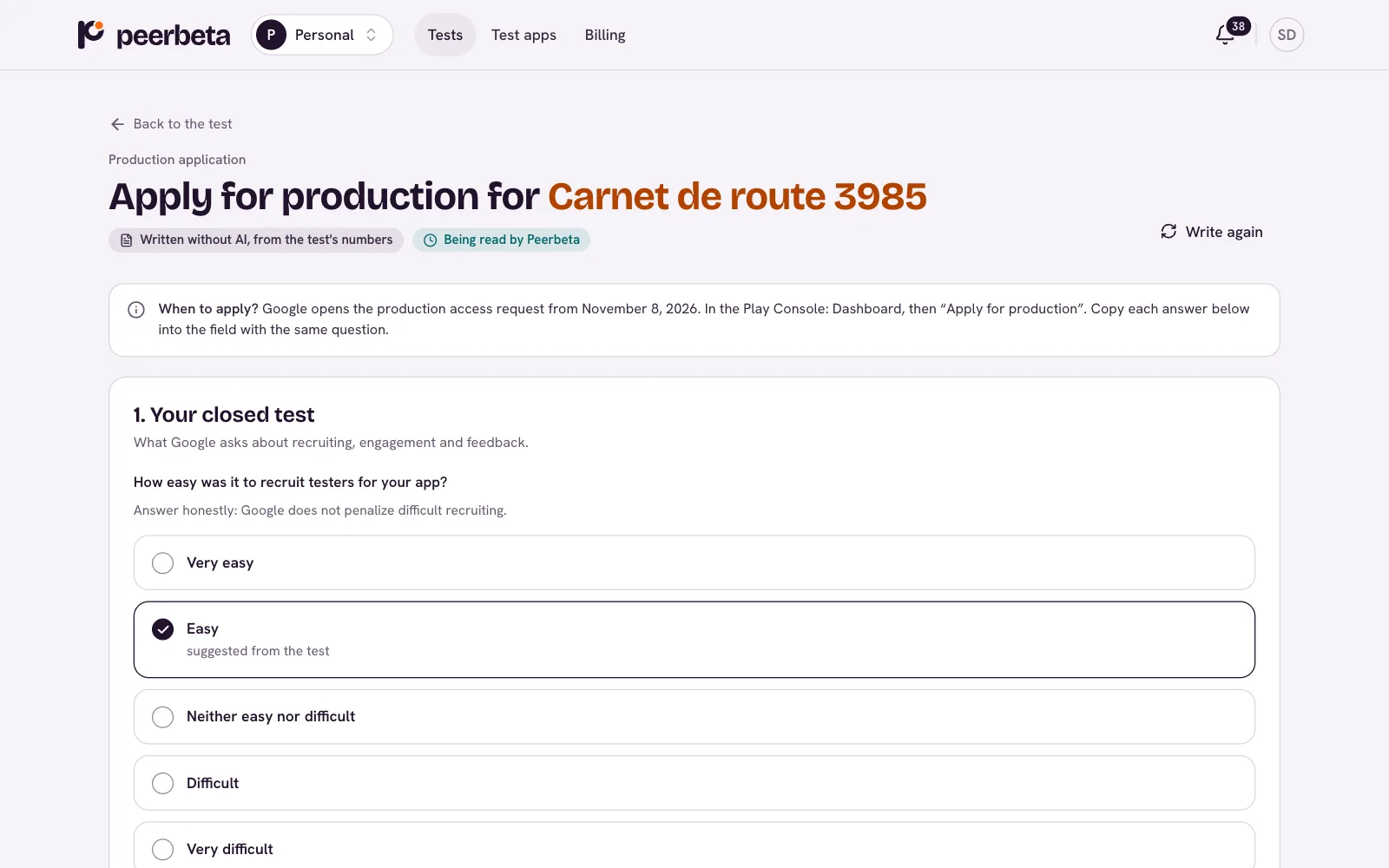
How your 14 days go
You set up your track once. We find the testers, check that they use your app every day, and prepare what you need to answer Google’s form.
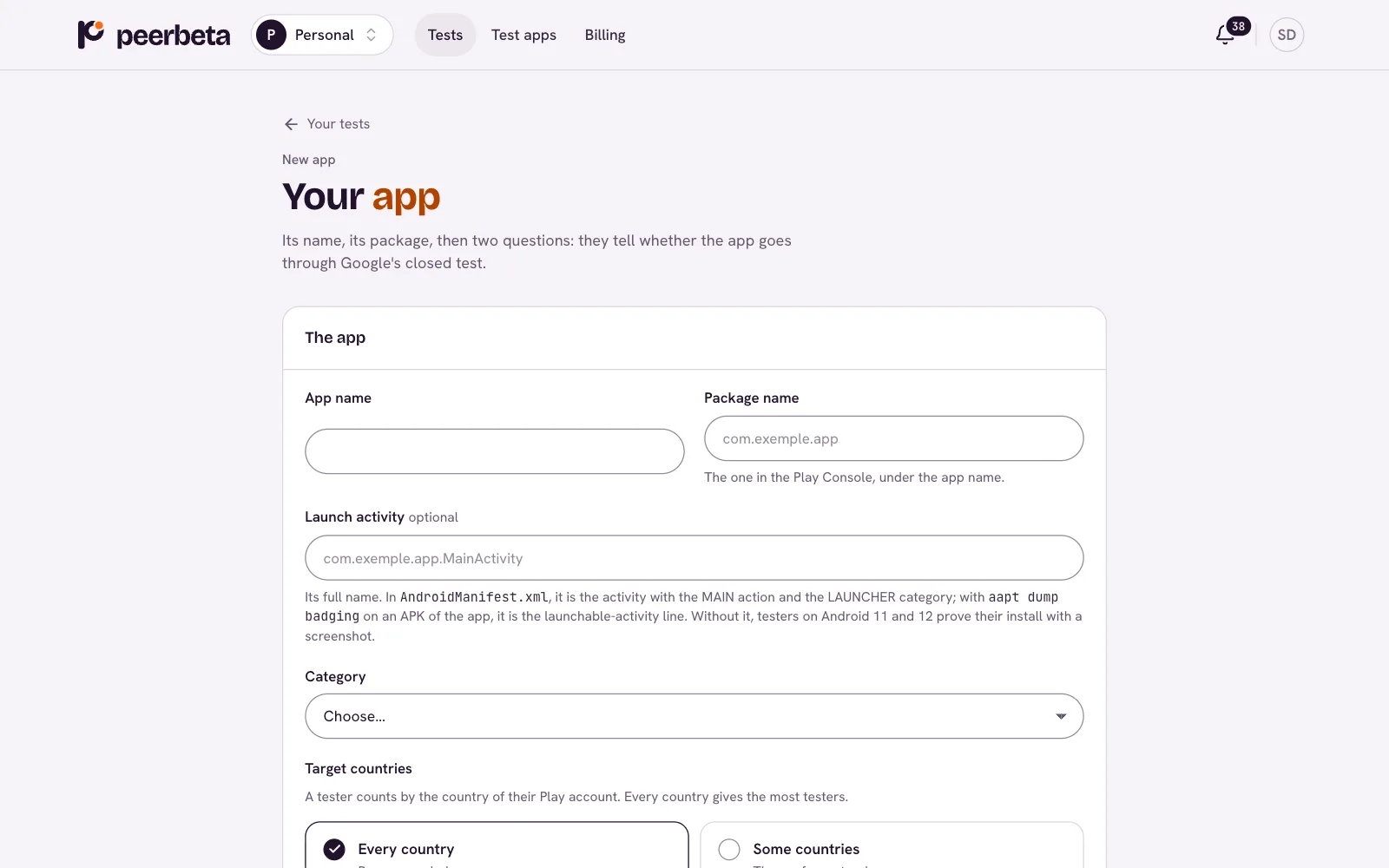
You add your app and set up the track
Package name, opt-in link, countries, devices, and two to eight features to test with their instructions. The assistant walks you through the Play Console, step by step.
- Peerbeta’s testers’ Google group is added to your closed testing track.
- We check the link’s format and that it matches your package; the first three testers confirm it works.
- A test account, if your app needs one, is encrypted and visible only to the testers assigned.
Testers join and install
The engine invites testers whose phones fit your app: Android version, device, country, language. Each has 48 hours to join the group, opt in to the test and install the app.
- The Peerbeta app opens your app on the phone: that is the proof of install.
- A Play Integrity check keeps out emulators and modified devices.
- Day 1 starts when enough testers have a verified install.
They use your app every day
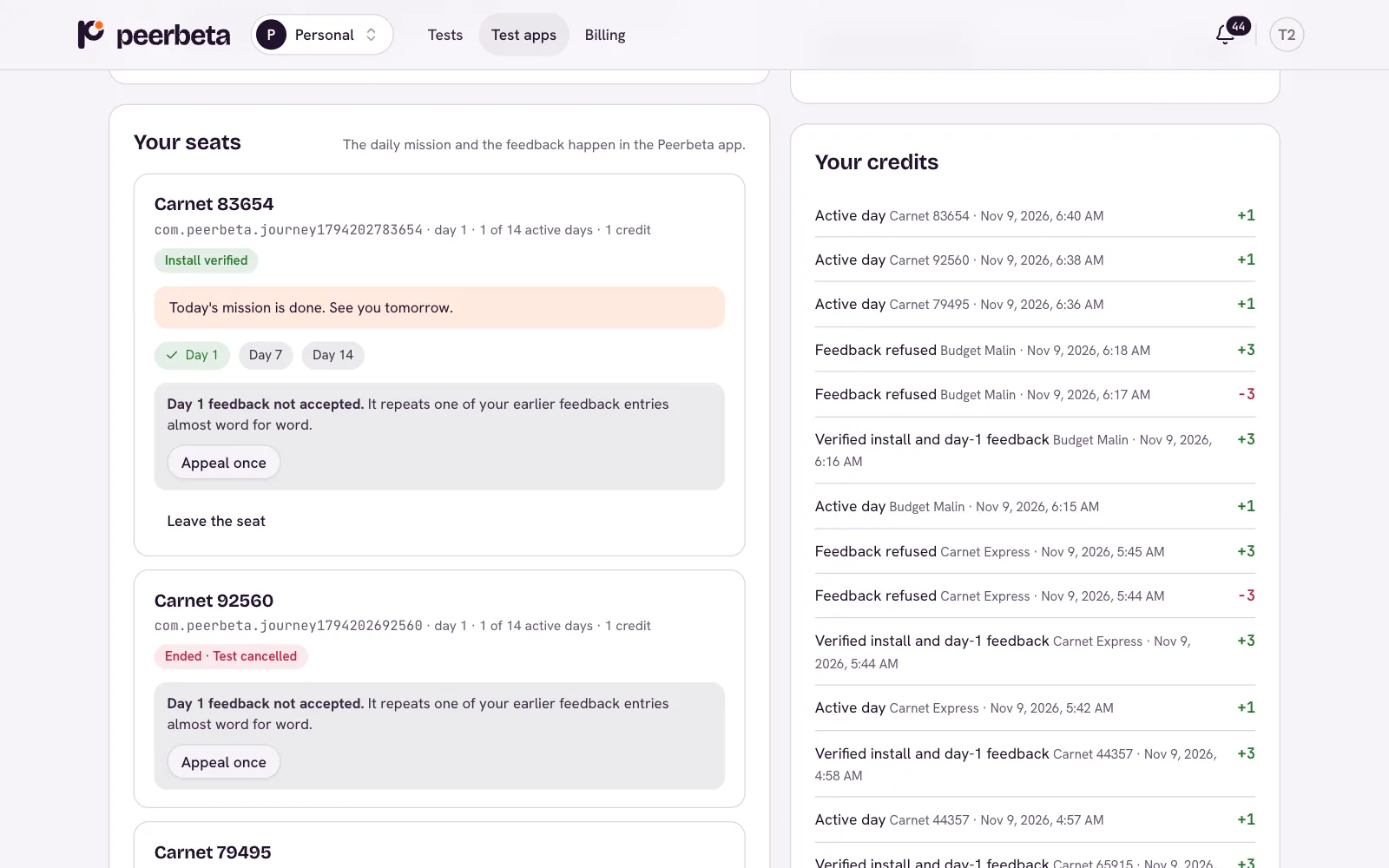
Each day, a one-to-three-minute mission: open your app from the Peerbeta app and do one precise action. On days 1, 7 and 14, structured feedback per feature.
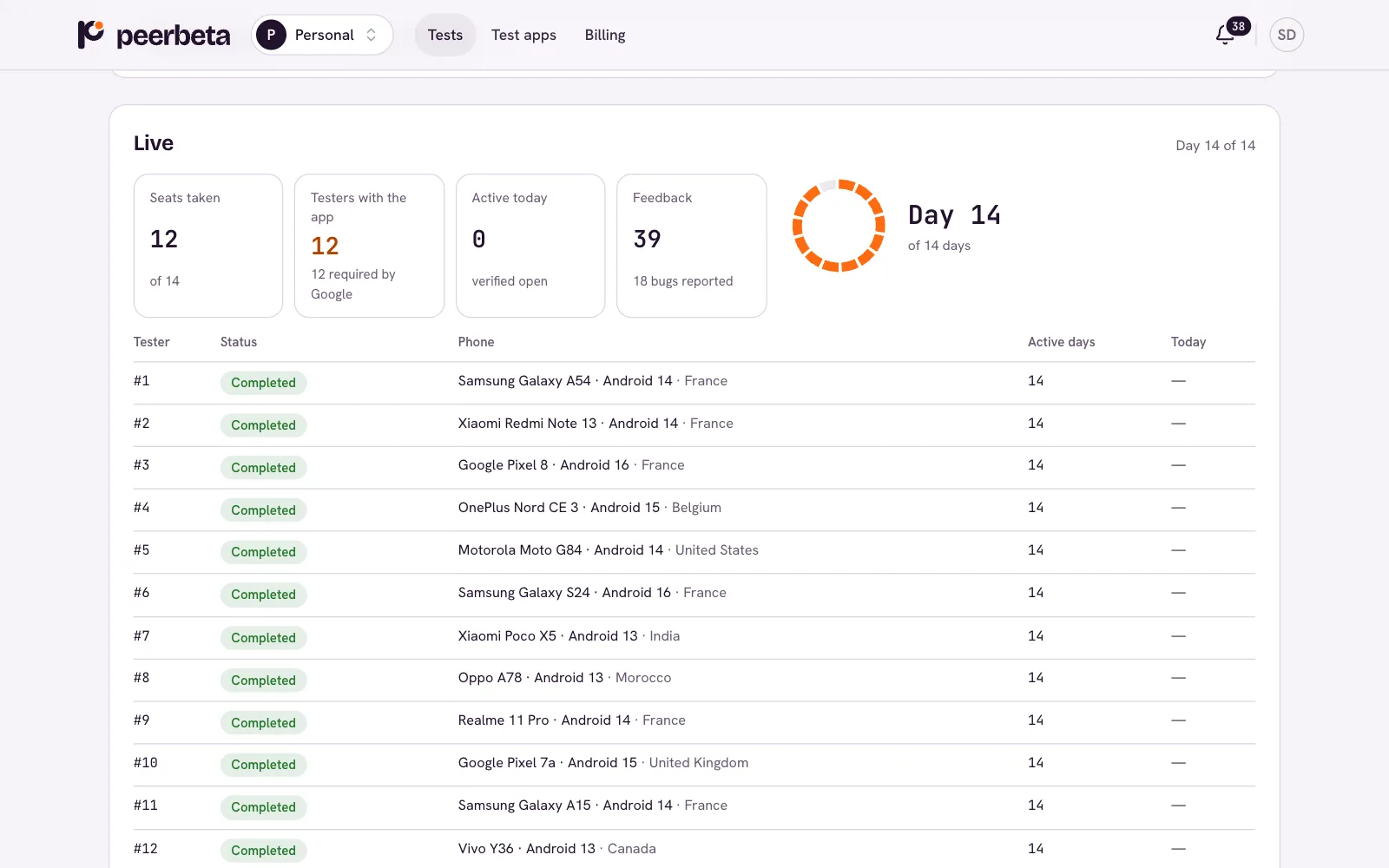
- You see installs, today’s active testers, feedback and bugs live.
- An idle tester gets reminders; if they drop out early, they are replaced.
- You can announce an update, rate the feedback and mark a bug fixed.
You apply for production access
The report and the suggested answers for Google’s form are ready. You read them, adapt them, and send your application in the Play Console.
- The answers come from your test: participation, feedback, fixed bugs, updates.
- You then say what Google answered; a yes can become a verified testimonial.
- With Pro and Launch, a refusal for lack of testing opens the guarantee.